
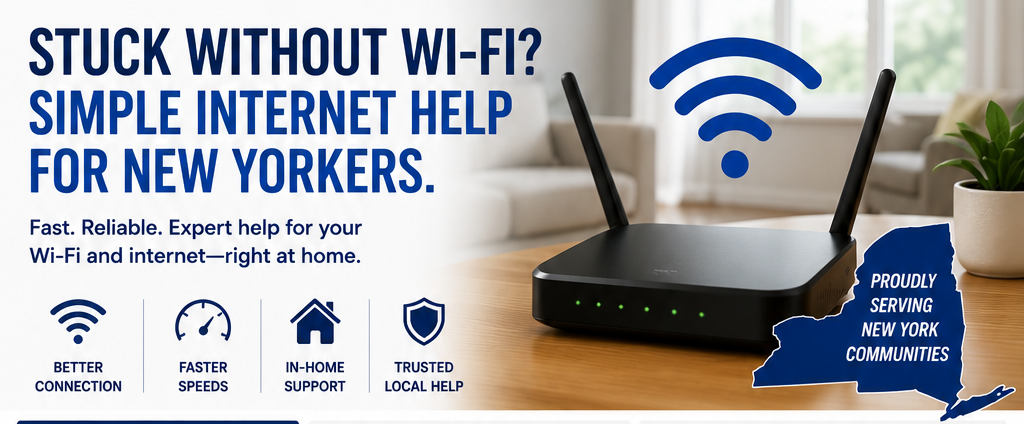
Stuck without Wi-Fi? Simple internet help for New Yorkers.
Stuck Without Wi-Fi? Simple Internet Help for New Yorkers.
Wi-Fi problems are one of those things that instantly ruin your day.
Everything depends on it now:
Your phone
Your TV
Your laptop
Even things like doorbells and security cameras
So when your Wi-Fi is slow… cutting out… or just not working at all…
It doesn’t feel like a small issue.
It feels like everything is broken.
Here’s the Truth Most People Don’t Know
Most Wi-Fi problems aren’t actually serious.
They just feel serious because they affect everything at once.
That’s why so many people across New York search things like:
“Wi-Fi help near me”
“Fix slow internet NY”
“Why does my internet keep dropping?”
Because it sounds complicated…
But in reality, it’s usually something small.
The Most Common Reasons Your Wi-Fi Isn’t Working Right
Before assuming something is “wrong with your internet,” check these:
Outdated router → Older routers can’t handle modern devices
Bad router placement → Location matters more than people think
Too many devices connected → Phones, TVs, tablets, smart devices all competing
Wrong internet plan → Not enough speed for your household
Settings reset after updates → Happens more often than you’d expect
👉 The key point:
Most issues are setup problems, not service problems.
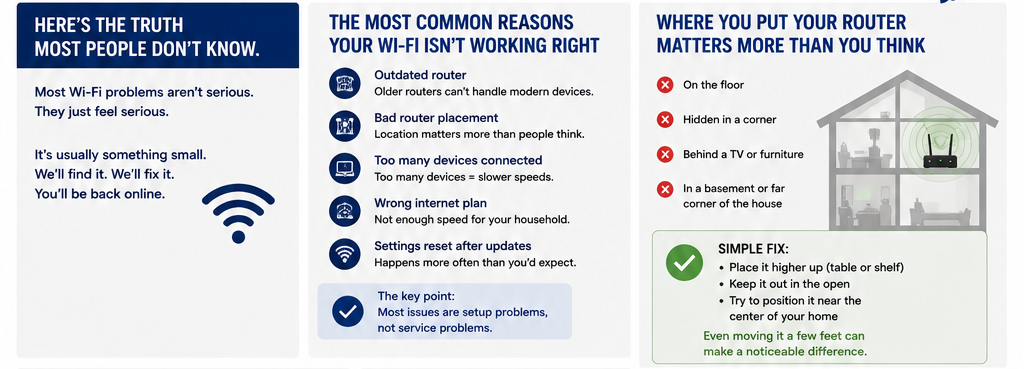
Where You Put Your Router Matters More Than You Think
This alone fixes a huge number of Wi-Fi issues.
If your router is:
On the floor
Hidden in a corner
Behind a TV or furniture
In a basement or far corner of the house
Your signal is being blocked.
Simple Fix:
Place it higher up (table or shelf)
Keep it out in the open
Try to position it near the center of your home
Even moving it a few feet can make a noticeable difference.
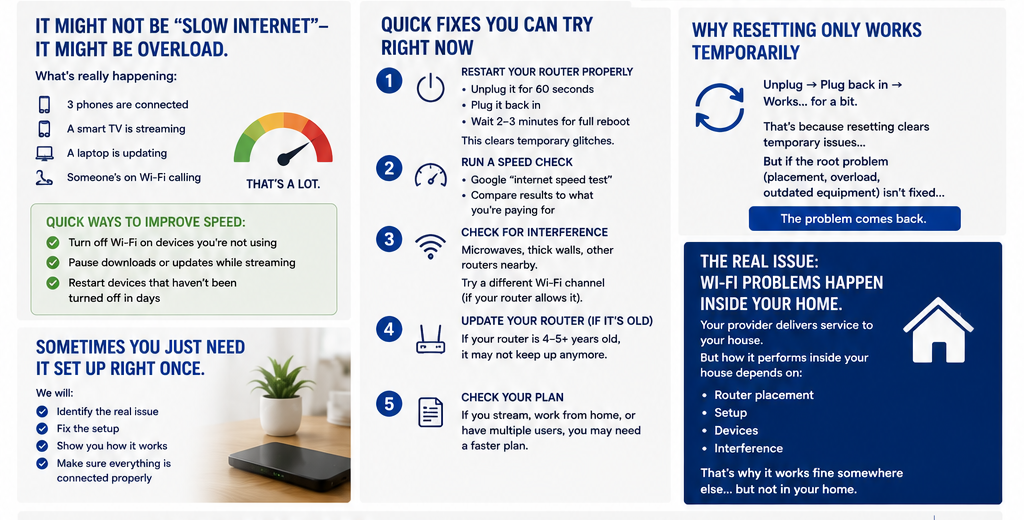
It Might Not Be “Slow Internet”—It Might Be Overload
A lot of people say:
“My internet is slow.”
But what’s really happening is:
3 phones are connected
A smart TV is streaming
A laptop is updating
Someone’s on Wi-Fi calling
That’s a lot.
Quick Ways to Improve Speed:
Turn off Wi-Fi on devices you’re not using
Pause downloads or updates while streaming
Restart devices that haven’t been turned off in days
Quick Fixes You Can Try Right Now
Before calling anyone, try these:
1. Restart Your Router Properly
Unplug it for 60 seconds
Plug it back in
Wait 2–3 minutes for full reboot
This clears temporary glitches.
2. Run a Speed Check
Google “internet speed test”
Compare results to what you’re paying for
If you’re getting far less, something’s off.
3. Check for Interference
Wi-Fi signals can be disrupted by:
Microwaves
Thick walls
Other routers nearby
Try switching to a different Wi-Fi channel (if your router allows it).
4. Update Your Router (If It’s Old)
If your router is 4–5+ years old, it may not keep up anymore.
Newer routers handle:
More devices
Faster speeds
Better signal coverage
5. Check Your Plan
If you’re streaming, working from home, or have multiple users…
You may simply need a faster plan.
Why Resetting Only Works Temporarily
You’ve probably tried this:
👉 Unplug → Plug back in → Works… for a bit
That’s because resetting clears temporary issues…
But if the root problem (placement, overload, outdated equipment) isn’t fixed…
👉 The problem comes back.
The Real Issue: Wi-Fi Problems Happen Inside Your Home
Here’s what most people miss:
Your internet provider delivers service to your house.
But how it performs inside your house depends on:
Router placement
Setup
Devices
Interference
That’s why everything might work fine somewhere else…
…but not in your home.
Sometimes You Just Need It Set Up Right Once
You can troubleshoot for hours…
Or you can have someone:
Identify the real issue
Fix the setup
Show you how it works
Make sure that everything is connected properly
Once it’s set up correctly, it just works.

If Your Internet Has Been Slow, Dropping, or Unreliable…
It’s probably not as complicated as it feels.
Mitchell Flecker from FleckTech Solutions provides simple, in-home Wi-Fi help across New York—focused on fixing the problem at the source so your internet actually works the way it should.
No confusing tech talk. No unnecessary upgrades. Just clear, practical help.