
Need Help Setting Up a Smart TV in New York?
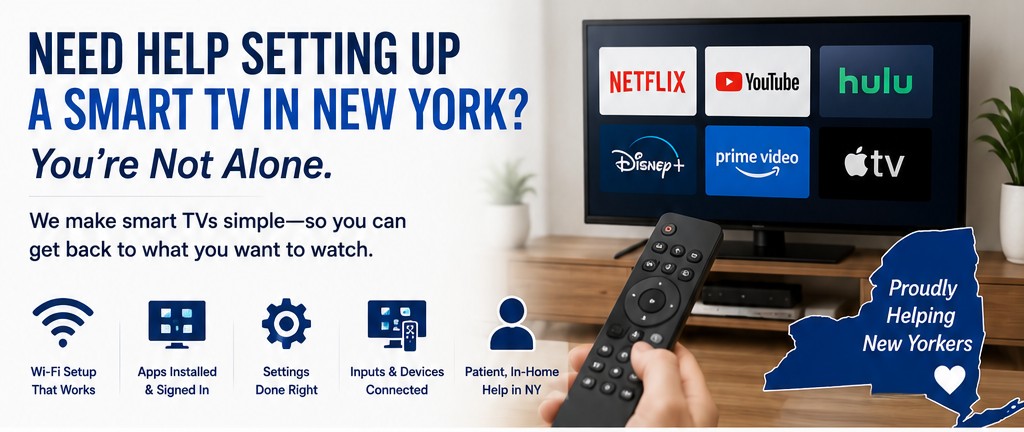
Need Help Setting Up a Smart TV in New York? You’re Not Alone.
Smart TVs were supposed to make life easier.
Bigger screens. More options. Everything in one place.
But for a lot of people… it’s been the exact opposite.
You turn it on expecting to watch something simple—and instead you’re hit with:
Endless menu screens
Log-ins you don’t remember creating
Apps you didn’t ask for
Settings that don’t make sense
What should take seconds suddenly turns into 20–30 minutes of confusion.
And a lot of people end up saying the same thing:
“I miss my old TV.”
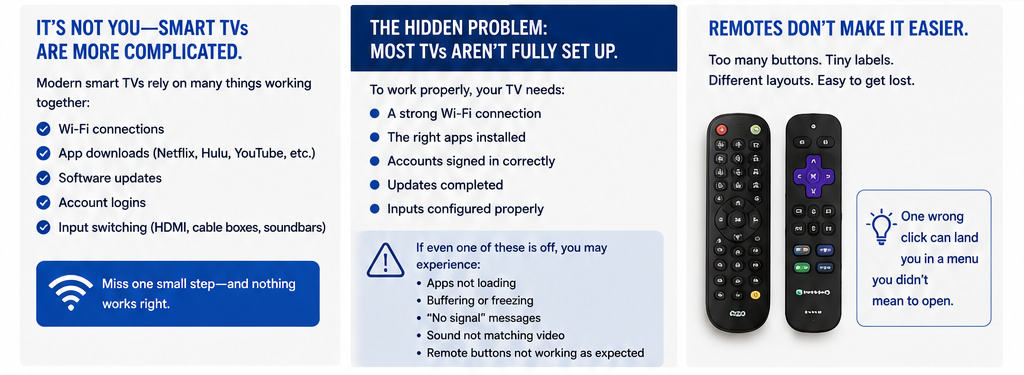
It’s Not You—Smart TVs Actually Are More Complicated
The biggest issue isn’t using the TV.
It’s everything around the TV now.
Modern smart TVs rely on:
Wi-Fi connections
App downloads (Netflix, Hulu, YouTube, etc.)
Software updates
Account logins
Input switching (HDMI, cable boxes, soundbars)
Miss one small step… and nothing works right.
That’s why so many people look for smart TV setup help across New York—because the issue isn’t ability, it’s setup.
The Hidden Problem: Most TVs Aren’t Fully Set Up
Here’s something most people don’t realize:
👉 When you buy a smart TV, it’s not actually ready to use out of the box.
To work properly, it needs:
A stable Wi-Fi connection (not just “connected,” but strong)
The right apps installed
Accounts signed in correctly
Updates completed
Inputs configured properly
If even one of those is off, you’ll deal with:
Apps not loading
Buffering or freezing
“No signal” messages
Sound not matching video
Remote buttons not doing what you expect
Remotes Don’t Make It Easier
Let’s be honest—remotes have gotten worse, not better.
Too many buttons
Tiny labels you can’t read
Different layouts for every brand
Buttons that open menus you never meant to click
You press one wrong thing and suddenly you’re stuck in a settings screen with no idea how to get back.
That’s frustrating for anyone.
Streaming Should Be Simple—But Getting There Isn’t
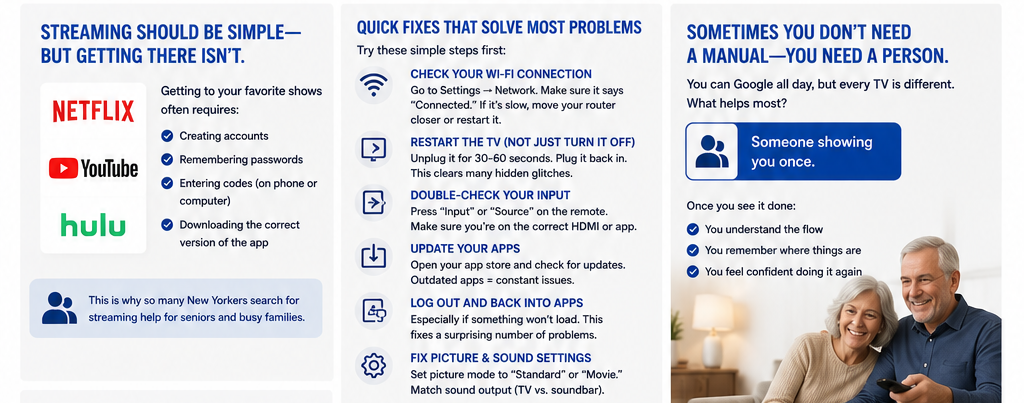
Apps like:
Netflix
YouTube
Hulu
…are actually very easy to use.
Once you’re inside them.
But getting there requires:
Creating accounts
Remembering passwords
Entering codes (sometimes on a phone or computer)
Downloading the correct version of the app
That’s where most people get stuck.
And it’s exactly why streaming help for seniors—and busy families—is becoming more and more common.
Quick Fixes That Solve Most Problems
The good news?
Most smart TV issues are simple once you know what to look for.
Here are some common fixes you can try right away:
1. Check Your Wi-Fi Connection
Go to Settings → Network
Make sure it says “Connected”
If it’s slow, move your router closer or restart it
2. Restart the TV (Not Just Turn It Off)
Unplug it for 30–60 seconds
Plug it back in
This clears a lot of hidden glitches
3. Double-Check Your Input
Press “Input” or “Source” on the remote
Make sure you’re on the correct HDMI or app screen
4. Update Your Apps
Open your app store (varies by TV brand)
Check for updates on streaming apps
Outdated apps = constant issues
5. Log Out and Back Into Apps
Especially if something won’t load
This fixes a surprising number of problems
6. Fix Picture & Sound Settings
Set picture mode to “Standard” or “Movie”
Make sure sound output matches your setup (TV vs soundbar)
Sometimes You Don’t Need a Manual—You Need a Person
You can Google steps all day…
But it’s still confusing when:
Every TV looks different
Instructions don’t match your screen
You’re not sure if you’re doing it right
What actually helps most?
👉 Someone showing you once.
Because once you see it done:
You understand the flow
You remember where things are
You feel confident doing it again
The Goal Isn’t More Technology—It’s Less Stress
A properly set up smart TV should feel like this:
You turn it on
You click one button
Your show starts
No confusion. No guessing. No frustration.
That’s it.
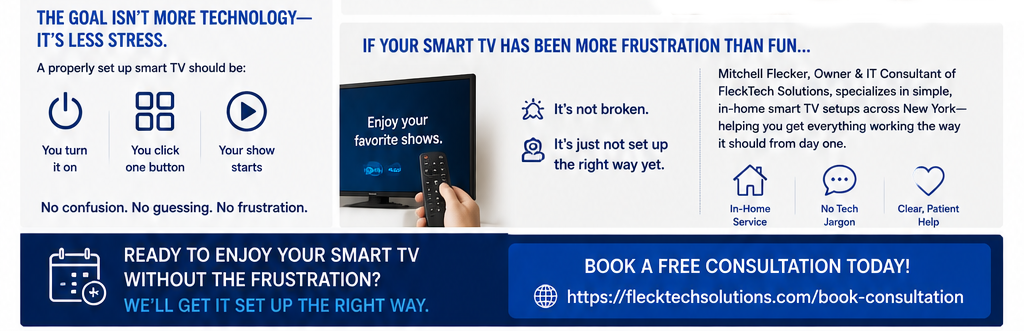
If Your Smart TV Has Been More Frustration Than Fun…
It’s not broken.
It’s just not set up the right way yet.
Mitchell Flecker, Owner & IT Consultant of FleckTech Solutions, specializes in simple, in-home smart TV setups across New York—helping people get everything working the way it should from day one.
No tech jargon. No upsells. Just clear, patient help.
Book a free consultation: